
Start in the right place
Where to start with Ticku, whether you are evaluating it, administering it for your organization, or deploying it into a Microsoft tenant.
Documentation
Three ways in, depending on why you are here
The full manual lives on the documentation site. These are the pages worth opening first.
Evaluating Ticku
You are deciding whether this fits. Start with what it does, then check the detail.
- Product overview
What Ticku is and the shape of it — surfaces, project types, and what a ticket carries.
- Feature matrix
Every capability against the project type it applies to, for checking a specific requirement.
- Quick start guide
Register an organization, create a project, raise the first ticket. About fifteen minutes.
Administering it
You run Ticku for your organization — projects, people, mailboxes and what everyone is allowed to do.
- Administrator guide
The admin panel end to end: tenants, members, projects and the settings behind them.
- Roles and permissions
The permission catalog, the roles seeded per project type, and how to re-scope one.
- Email setup
Connecting a mailbox in each of the three modes, and the routing rules that decide where mail lands.
- Incoming webhooks
The payload shape and the endpoint, for opening tickets from anything that can POST.
Deploying it
You are putting Ticku into a Microsoft tenant and need the registration and rollout steps.
- Microsoft Teams setup
Installing the tab app and the meeting side-panel, and rolling them out to a directory.
- Azure app registration
The Entra registration, the permissions it asks for, and granting admin consent.
- Deployment runbook
The ordered steps for a production rollout, and what to verify after each one.
New to the vocabulary? Read the glossary. Shipped changes, release by release: release notes.
Watch
Ticku on screen, in a few minutes
Short product videos, each with a written walkthrough beside it for when reading is faster than watching.
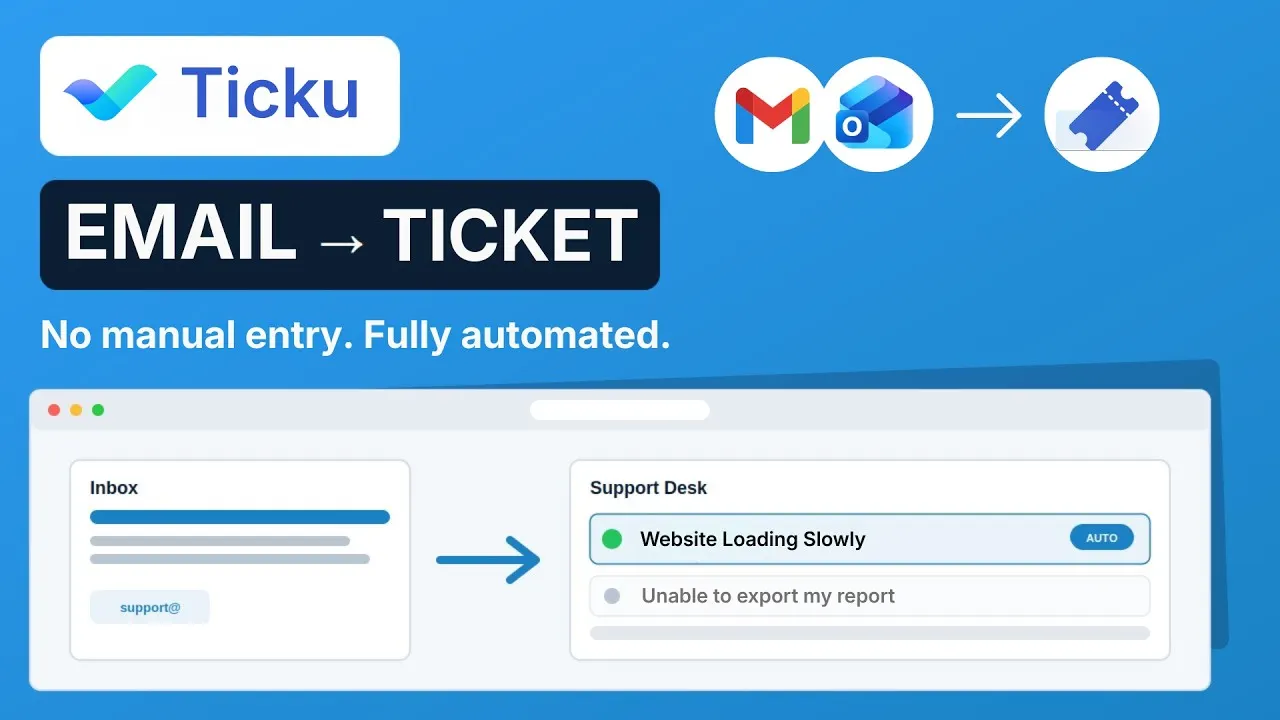
3:01
Turning a support email into a tracked ticket
A walkthrough of email-to-ticket: connecting a support address to Ticku, watching an incoming customer email become a ticket with its subject as the title and its attachments intact, and then assigning it, tracking it against an SLA target and notifying the customer when the status changes.
0:37
Ticku in 37 seconds
A short tour of what Ticku is: project and ticket management in one tool, running inside Microsoft Teams, so a request can be raised, planned, assigned and tracked without leaving the place the team already talks.
From the blog
Writing on ticketing, SLAs and support workflow
Longer-form notes on the problems Ticku exists to solve — the reasoning behind the product rather than instructions for using it.
6 min read
What should happen when an SLA breaches
A breach alert cannot change the outcome, so what is it for? The case for firing exactly once, why the real deadline is the target plus the sweep interval, and who should hear about a late ticket that nobody owns.
5 min read
Routing one support address to many teams
The usual fix for an overloaded queue is a second email address, and then a third. Routing on the recipient and the sender domain instead — and the question to ask any vendor about mail that matches no rule.
5 min read
Push or poll: what your email-to-ticket latency actually is
Every mail integration claims to be real-time. Push delivers in seconds and fails by going quiet; polling is bounded by its interval and nothing else. What the numbers are, and the five questions worth asking any vendor.
6 min read
Turning your Microsoft 365 support mailbox into a ticket queue
A shared support@ mailbox stops scaling long before anyone admits it. Here is what actually changes when the mailbox becomes a tracked queue — and the three ways to connect one.
Evaluate Ticku for 90 days
Register your organization, connect a mailbox, and create your first project. No card, no sales call to get started — start paying when you decide to keep it.
Prefer email? ticku@analyticsaura.com